
The editor link
The editor is a website, but you can't just visit it — it only opens through a private link your own server generates.
Getting a link
/nxe editorRun it any time you want to open the editor. Click the link in chat, or use the copy button next to it and paste it into your browser.
Your link is private and one-time. It stops working after an hour and it opens the editor once. If you close the tab, run /nxe editor again for a fresh one. Don't paste it in a public Discord — anyone with the link can edit your sets.
“Editor locked”
If you see a padlock and “This designer only opens from your own one-time link”, one of these is true:
- You typed the website address by hand instead of clicking the link.
- Your link is over an hour old.
- You already used that link in a different browser.
The fix is the same in all three cases: run /nxe editor again and click the new link.
Your work saves itself
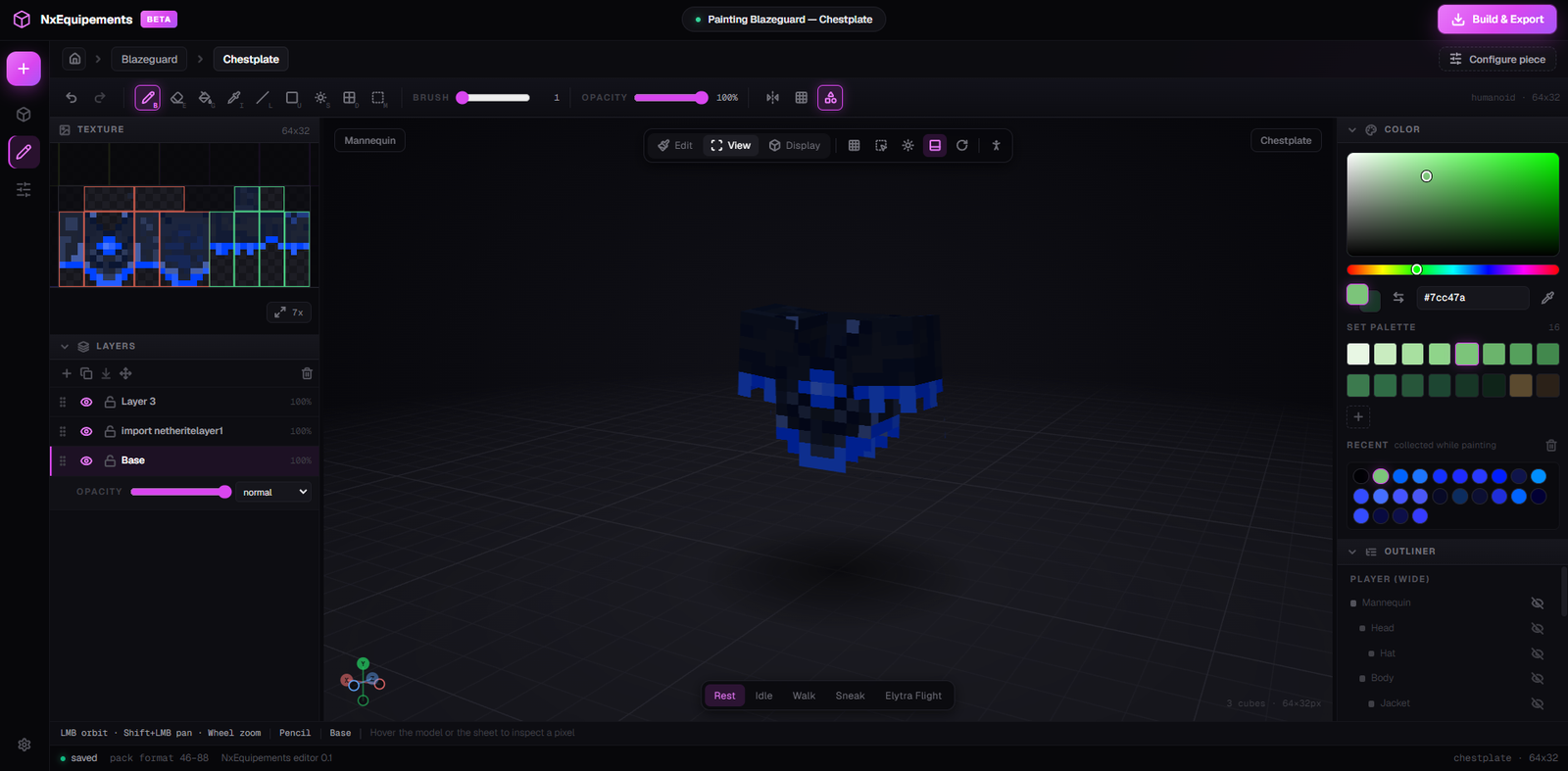
There is no save button. The editor saves to your browser constantly. The dot at the bottom-left tells you where it's up to.

- Save indicator — cycles through
unsaved→saving…→saved. Hover it to see the last save time. - Pack format range — the Minecraft versions your pack will cover.
| It says | Meaning |
|---|---|
workspace | Nothing to save right now |
unsaved | You just changed something; it's about to save |
saving… | Writing to your browser now |
saved | Safe |
save failed | Your work is only in memory. Free up browser storage, then change something to retry. |
Use the same browser every time. Your sets are stored in the browser you opened the editor in. Open your link somewhere else and you'll get an empty workspace — your work isn't gone, it's in the other browser. For a permanent copy, export a
.nxe file: see Save, share and import sets.