
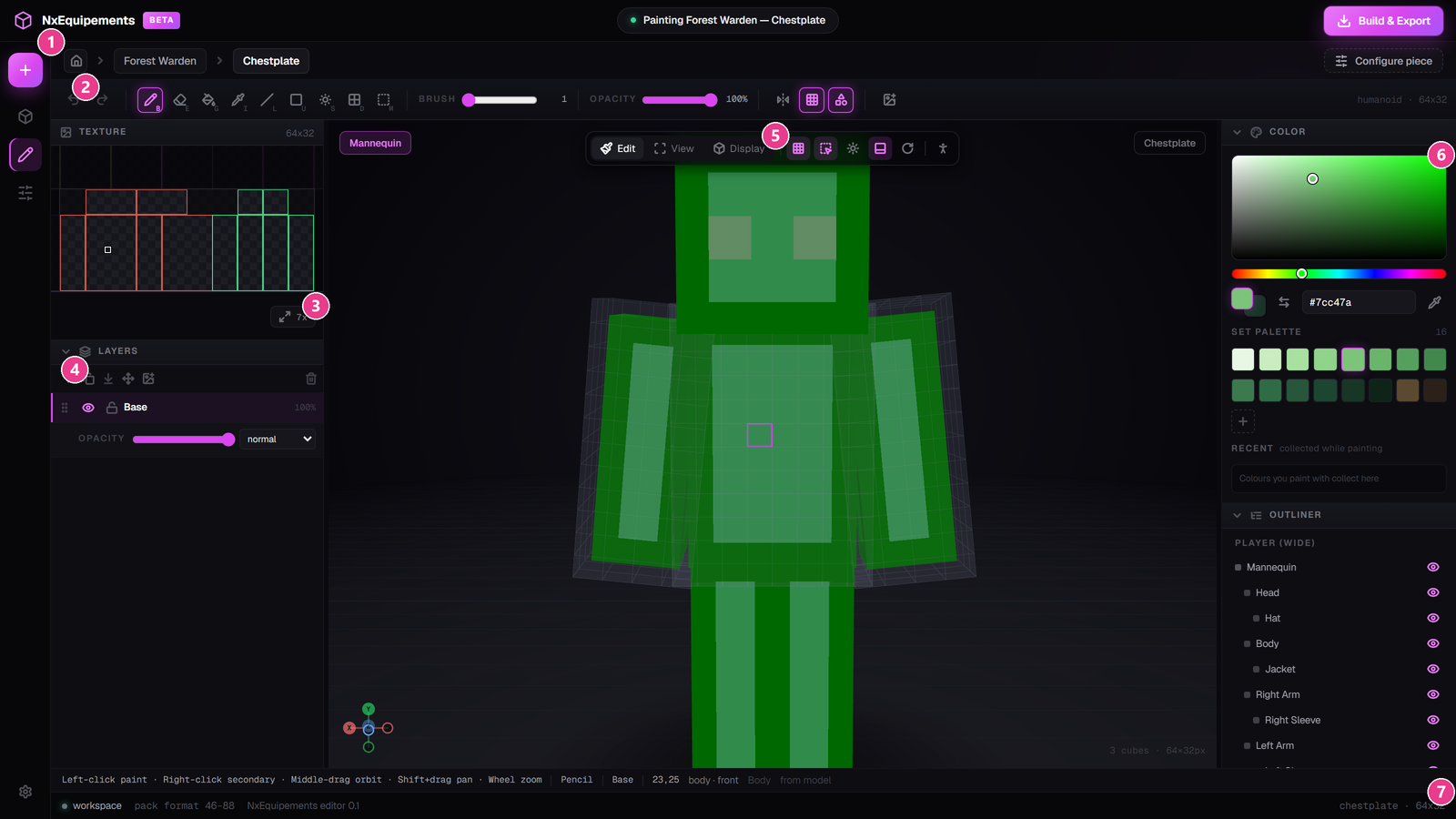
NxEquipements lets you paint custom armour directly onto a 3D model in your browser, then sends it to your server as real, wearable items — no texture unwrapping, no JSON, no pack building by hand.
What you can make
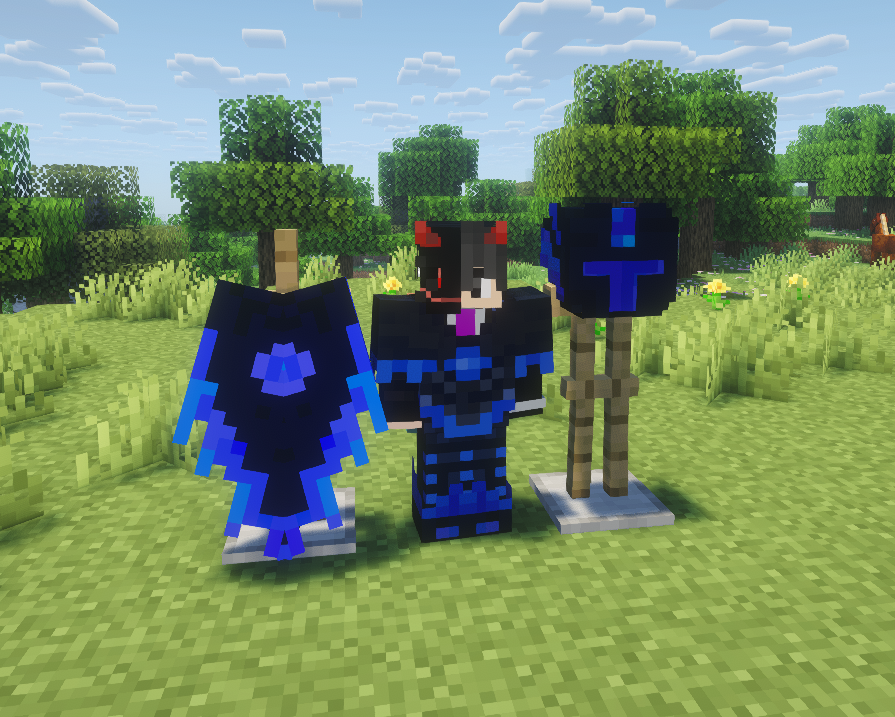
- Player armour — helmet, chestplate, leggings and boots
- Elytra — custom wings
- Horse armour
- Wolf armour
- Happy ghast harness
How it works, start to finish
- Install the plugin and enter your licence key.
- Open the editor — /nxe editor in game gives you a private link.
- Paint your gear on the 3D model.
- Build & deploy — one button, then paste one command in game.
- Apply the pack — click the button that appears in chat.
- Use it — /nxe menu opens your gear.
What you need
| Requirement | Version |
|---|---|
| Server software | Paper or Folia 1.21.4 or newer |
| Java | 21 or newer |
| Other plugins | None — NxEquipements works on its own |
| Browser | Anything current — Chrome, Edge, Firefox, Safari |
One pack, every version. The resource pack NxEquipements builds works on Minecraft 1.21.4 all the way through 26.2. You do not need a separate pack per client version.
Start at Install the plugin, then follow Your first deploy.