
Equipment tab
Sounds, repairing, and the rules about who can wear the item and how.
Sounds

- Equip Sound — plays when a player puts the piece on. Start typing to search; there are thousands. Try
item.armor.equip_netheritefor something weighty oritem.armor.equip_leatherfor something soft.
With advanced settings on, wolf, horse and harness pieces also get a Shear Sound, played when the armour is sheared off the animal.
Advanced: Repair Rules

- Repair behavior —
Use vanilla rulesrepairs with the normal material;Allow selected itemsonly accepts what you list;Never repairblocks anvil repair entirely. - Anvil repair cost — how many levels an anvil charges. Higher is more expensive.
Pick Allow selected items and an Add Repair Item button appears. Add one item per row, e.g. minecraft:diamond.
Behavior
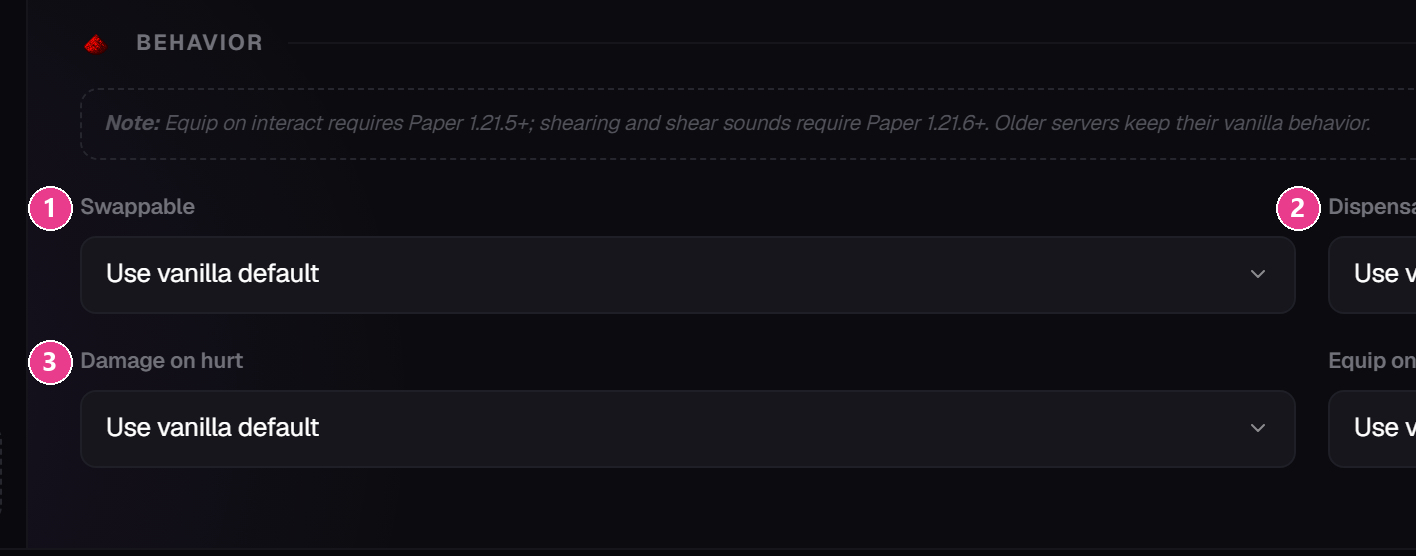
Use vanilla default, Enabled, Disabled.- Swappable — whether right-clicking swaps it with what's already worn.
- Dispensable — whether a dispenser can equip it.
- Damage on hurt — whether it loses durability when the wearer is hit.
Two more appear where they apply: Can be sheared (wolf, horse and harness only) and Equip on interact (right-click an animal to put it on).
Leave them all on the default unless you have a specific reason.
Allowed Entities
Who can wear it. Leave the list empty and vanilla rules apply — which is what you want almost every time. Add entries only to restrict it, e.g. add player so a mob can never pick it up and wear it.
Advanced: Custom Data
Tags other plugins can read off the item. Press Add Custom Tag and fill in a key, a value and a type. Only useful if another plugin is looking for it — see the developer guide.
Advanced: Camera Overlay
Helmets only. An image drawn over the player's whole screen while the helmet is worn, like the pumpkin overlay. Click Upload Overlay Image.
Keep it mostly transparent, or players won't see anything.