
Using your ranks
Every rank is one character, like \uE900. Wherever a plugin shows text, that character shows as the rank for players who have the pack.
Copy it from the book
Run /nxranks list. Search it, then click a rank or its Copy button and paste the rank with Ctrl+V.
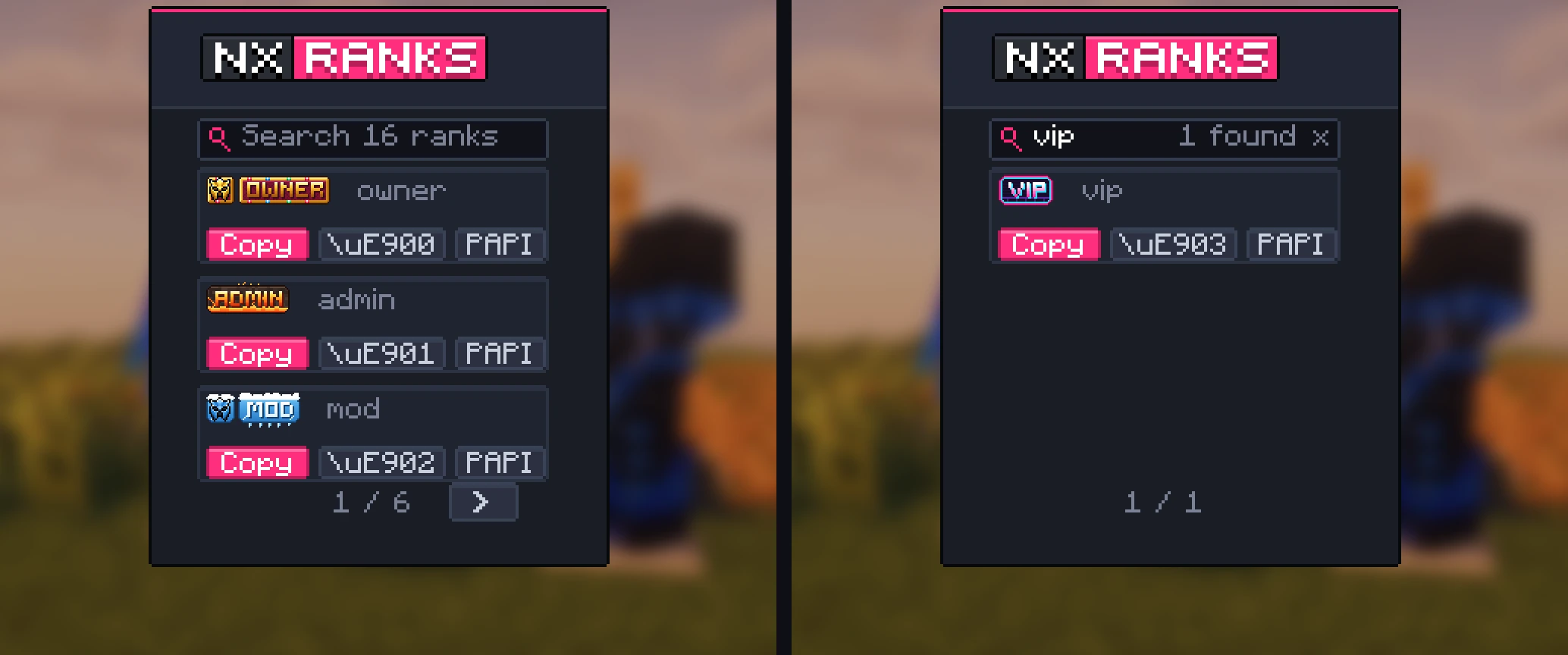
| Button | Copies | For |
|---|---|---|
| Copy | The character itself | Commands and chat, like LuckPerms prefixes. |
| \uE900 | Its code | Config files. Most YAML files read "\uE900" in double quotes. |
| PAPI | %nxranks_<rank>% | Plugins that read PlaceholderAPI. Shown when PlaceholderAPI is installed. |
LuckPerms
Set the prefix with the copied character and a space:
/lp group vip meta setprefix 100 "paste "Your chat and TAB plugins then show it wherever they show the prefix.
PlaceholderAPI
%nxranks_vip% gives the character of the rank with the id vip. It updates by itself after each deploy.

Your characters stay putEach rank keeps its character, so prefixes you have set keep working when you add, delete or move other ranks.