
Getting started
What you need
| Needed | |
|---|---|
| Paper, Purpur or Folia | Minecraft 1.21 or newer, on Java 21 or newer. Spigot works too; there the rank list is in chat instead of a book. |
| A license key | From your purchase. Claim it at claim.php with your BuiltByBit user ID. |
| Optional | Adds |
|---|---|
| Geyser | Your ranks for Bedrock players. |
| PlaceholderAPI | The %nxranks_<rank>% placeholders. |
1. Install
- Put
NxRanks.jarin yourpluginsfolder and start the server once. - Paste your key into
plugins/NxRanks/config.yml:license-key: "NEXO-XXXX-XXXX" - Restart. The console says License verified successfully.
Keep your key safeA key is shown only once when you claim it. Use one key per server.
2. Design
Run /nxranks editor in game and click the link. The editor opens with your ranks. Click + next to Ranks to start from a design or a blank canvas. See The editor.
3. Deploy
Click Deploy in the top right. The editor shows one command:
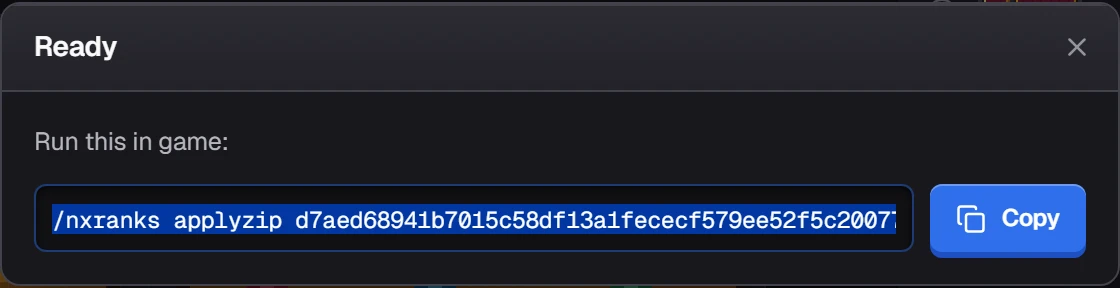
Run it in game. NxRanks syncs your ranks to the server and links the new pack. To see it yourself right away, click /nxranks confirm in chat. To give it to every player, see Resource pack.
4. Use it
Run /nxranks list, click Copy next to a rank, and paste it into your prefix. See Using your ranks.