
The editor
The link from /nxranks editor works for one hour. Your work saves in your browser as you go, and the server keeps your project after every deploy, so the next link opens where you left off.
Ranks
The list on the left holds every rank, with its character next to it. Search it, put ranks in folders, right-click a rank to rename, duplicate or delete it. A rank's id (like vip) is its name in commands and placeholders.
Starting a rank
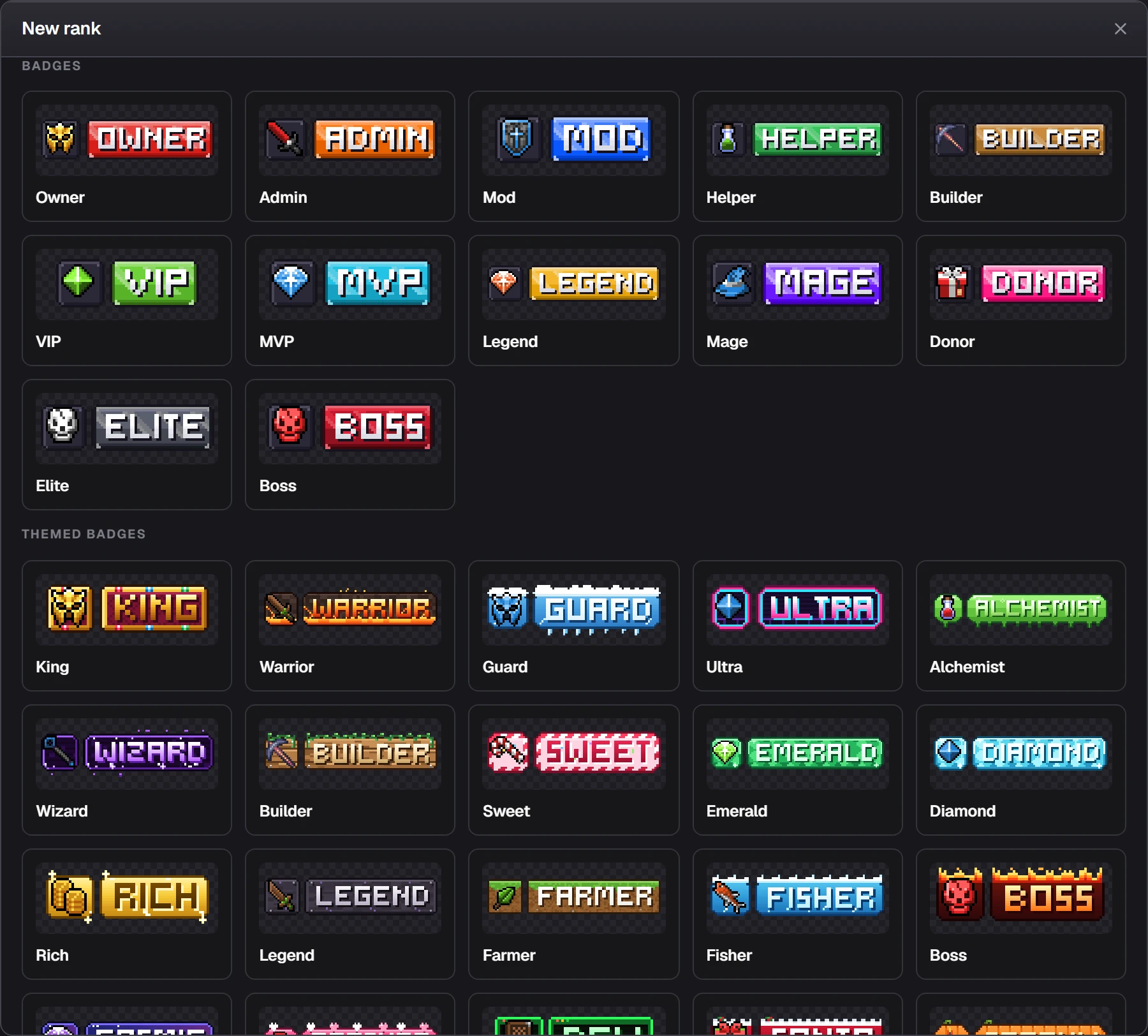
Drawing
Tools are on the strip next to the canvas: move, select, lasso, magic wand, pencil, eraser, fill, line, rectangle, ellipse, shade and colour picker. The bar above the canvas sets the brush size, opacity and mirroring, and switches between the Java and Bedrock view.
Undo and redo with Ctrl+Z and Ctrl+Y. History keeps saved versions of your whole project to go back to.
Layers
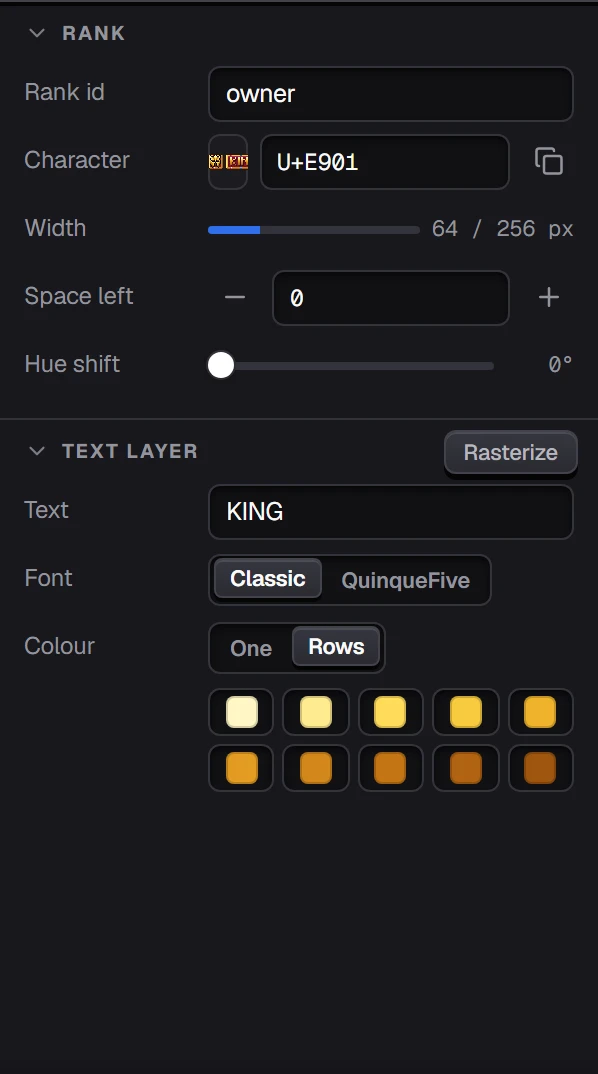
A rank is built from layers: the frame, the text, its shadow, highlights, your painting, icons and pictures. Each one can be hidden, locked or made see-through. Click a layer to change it in Properties.
Text
Type the rank's text in the Text layer. Pick the font: Classic (the NxRanks 1.2 font, English and Russian) or QuinqueFive (41 languages with Latin, Cyrillic or Greek letters). Colour it with one colour or a colour per pixel row.
Icons and pictures
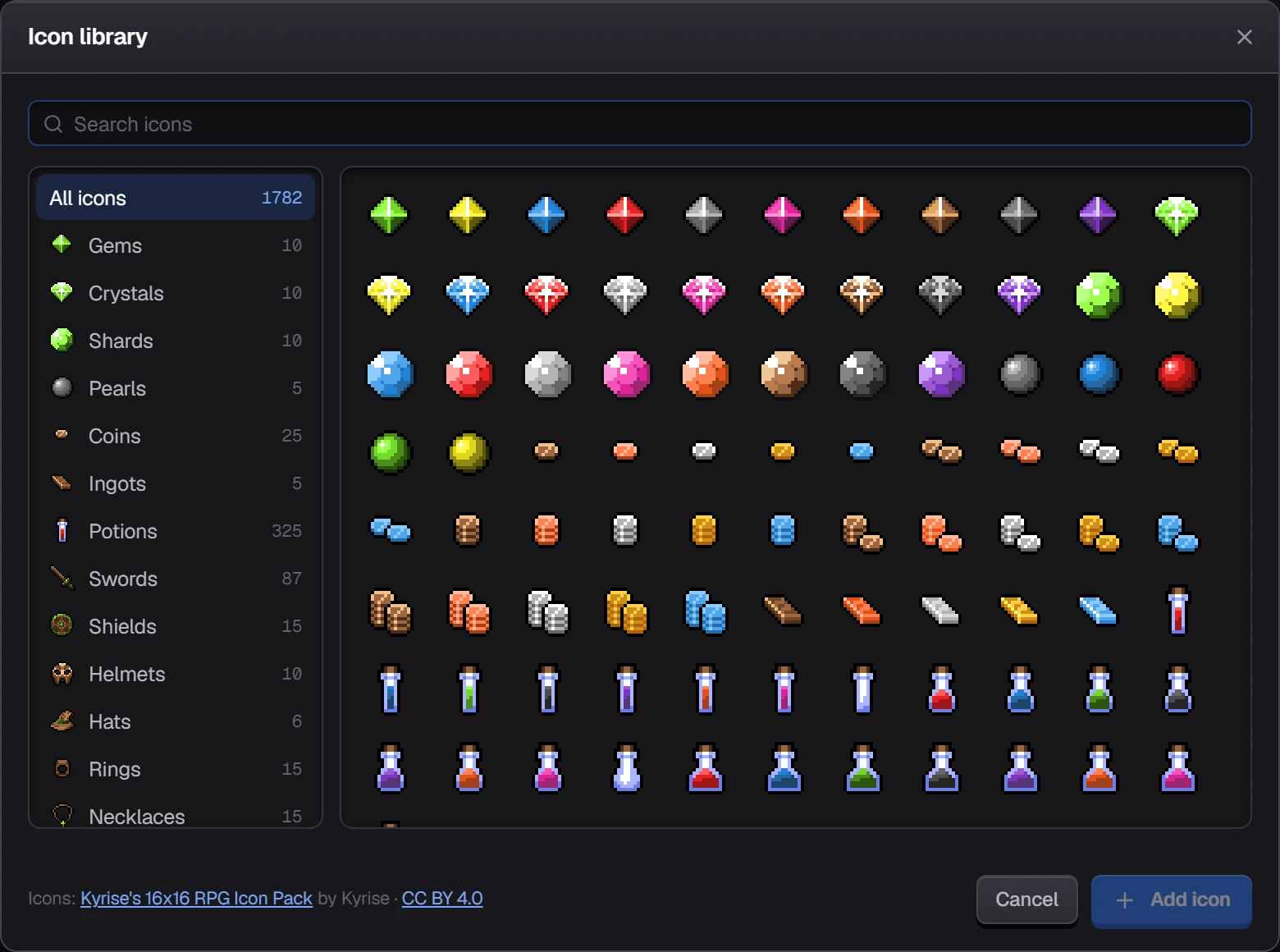
Add an icon from the library (1,782 icons), a Minecraft item, an emoji, or upload your own picture.
Size
Java ranks are 24 pixels tall and at most 256 pixels wide. Bedrock gets a half-size copy made for you; switch the view to Bedrock to fix it by hand.
Credits
Icons: Kyrise's 16x16 RPG Icon Pack by Kyrise (CC BY 4.0) and 16x16 Mixed RPG Icons by Merchant Shade (CC0). Font: QuinqueFive by GGBotNet (SIL Open Font License 1.1).